



Moodle Maintenance Mode - Section Batch Editing
The section batch editing plugin allows you to modify multiple sections at once.

Preparation time
5 minutes
Difficulty
Easy
Directions
Based on continuous feedback from customers about making Moodle more user-friendly, we have proposed a method to edit all sections at once. Today, we'll discuss the functionality of quick editing.
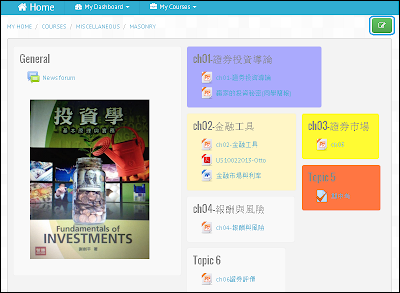
The image below shows the course presentation page:
After clicking on the "Enter Maintenance Mode" button, you will enter batch editing mode:
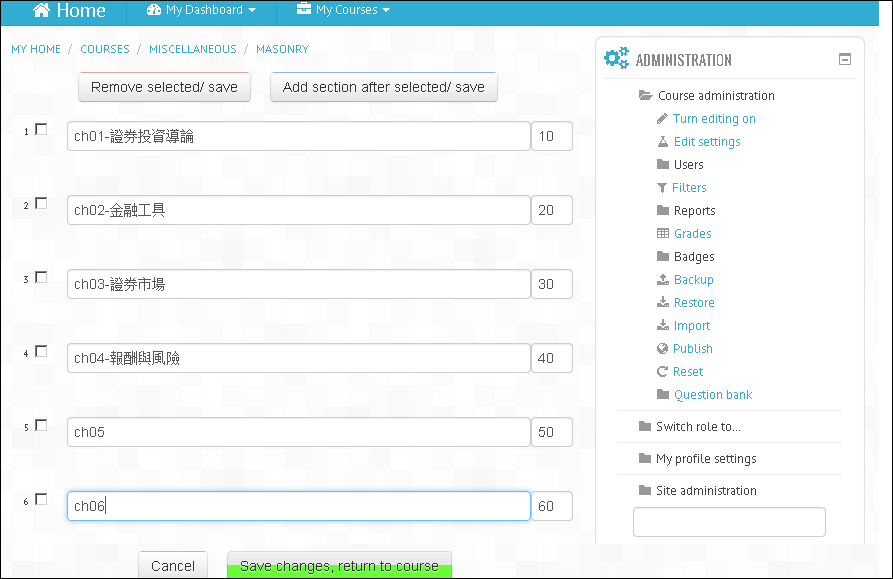
Editing all sections at once, unlike what you might be familiar with in Moodle, isn't it convenient?