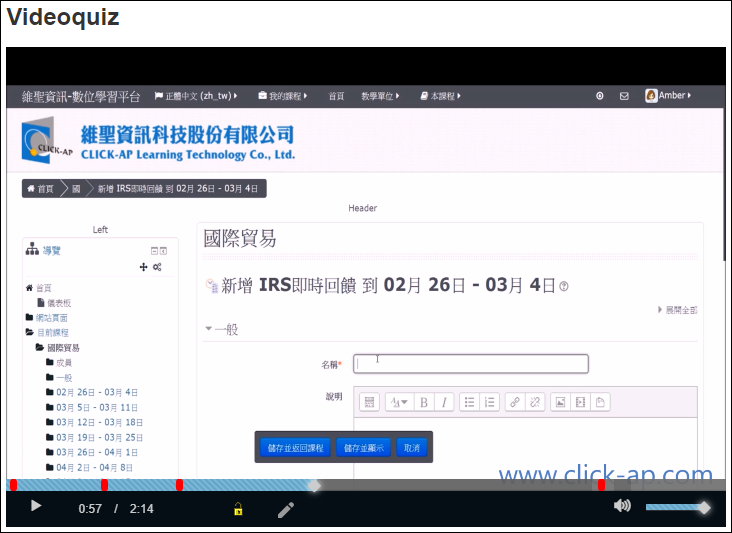



Q:The function of the lock icon in the Video Quiz
Q: What is the function of the lock icon in the Video Quiz module?

Preparation time
5 minutes
Difficulty
Easy
適用Moodle版本
3.5以前
Directions
A:The lock icon can be used to enable or disable quiz creation.
When the lock is enabled, it allows teachers to easily edit quizzes with the following features:
- Freely move the video progress bar
- Previously created quiz questions will be indicated by red dots on the progress bar
- Clicking on the red dots allows you to edit the quiz questions again
- Previously created quiz questions will not be displayed during playback