


Q:Submit Assignment in Groupings
Q:How to set up groupings submission for assignments?

Preparation time
10 minutes
Difficulty
Easy
適用Moodle版本
3.9、4.1、4.5
Directions
A:
1. First, you need to create groupings.
2. Once groups are set up, go to the assignment's edit settings page. In the "Group submission settings" section, you can enable group submission for the assignment and select specific groupings for this submission, as shown below:
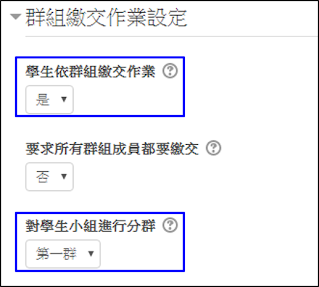
3. Once the "Students submit in groups" setting is set to "Yes," any submission from a user within the group will count as the group's submission.
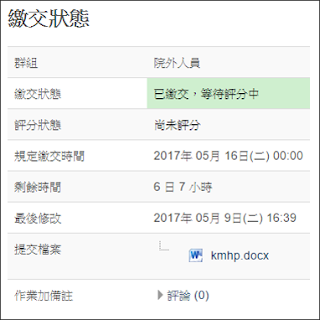
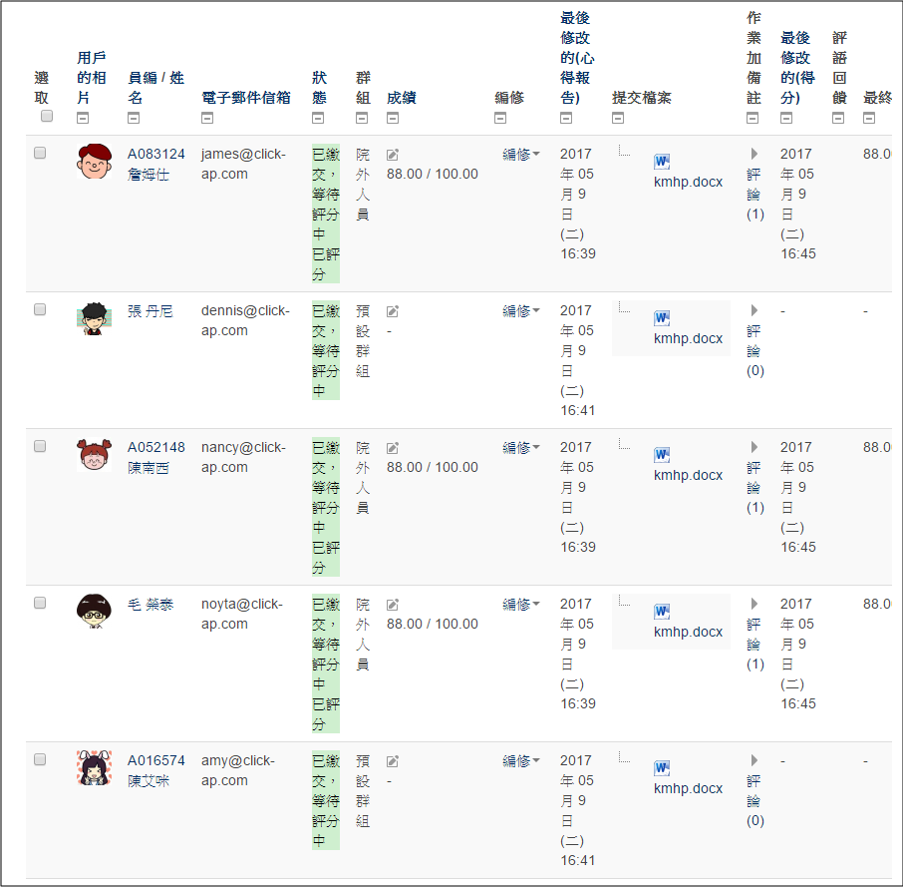
4. Once members of a group submit an assignment, the teacher can view all submitted assignments from the group on the assignment grading page. The teacher only needs to grade one member of the group, and all members of the group will receive the same grade.