



Q:How to upload course participants
Q: When there are a large number of students, is there a batch import feature available instead of adding members one by one?

Preparation time
9 minutes
Difficulty
Easy
適用Moodle版本
3.9、4.1、4.5
Directions
A: Administrators can upload course participants. The steps are as follows:
To upload course participants, you need to prepare a CSV file.
The field descriptions are as follows:
- username: account
- course1: course short name
- type1:1-student、2-teacher
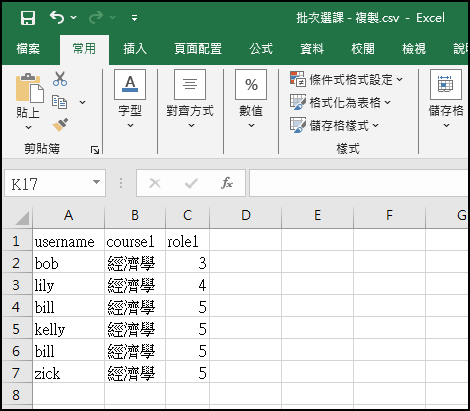
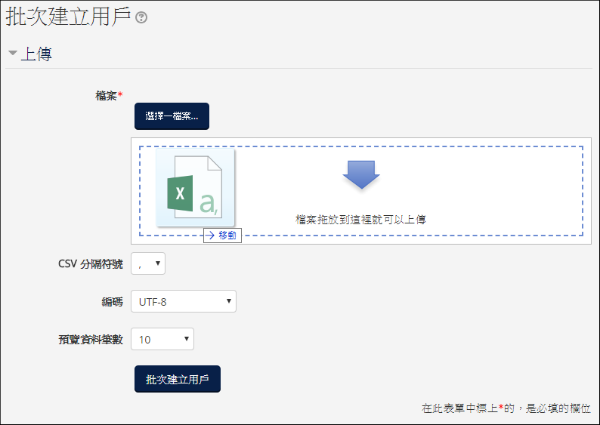
If the file contains Chinese characters, you must change the encoding to UTF-8.
Path: Site administration > Users > Accounts > Upload users
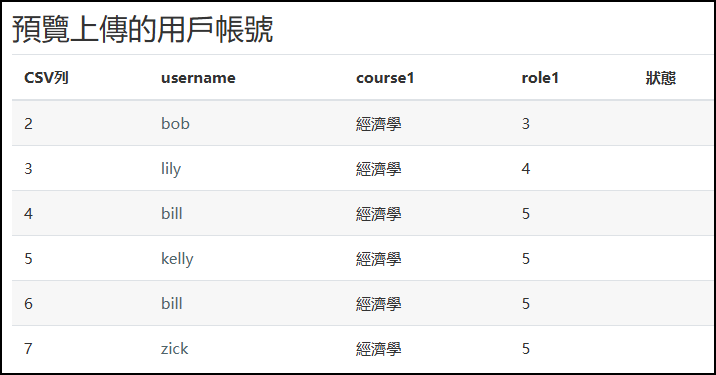
Preview screen after uploading.
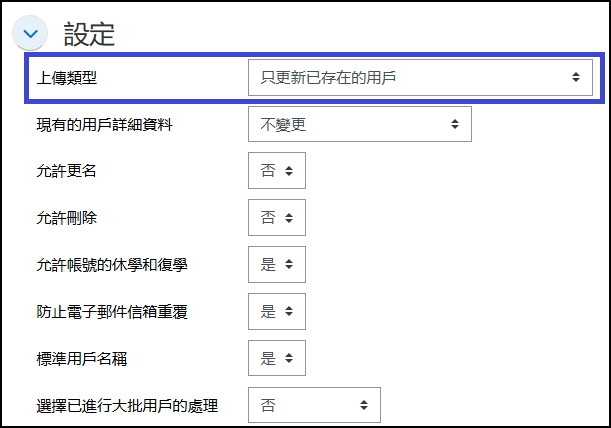
- Select "Upload type" as Update existing users only.
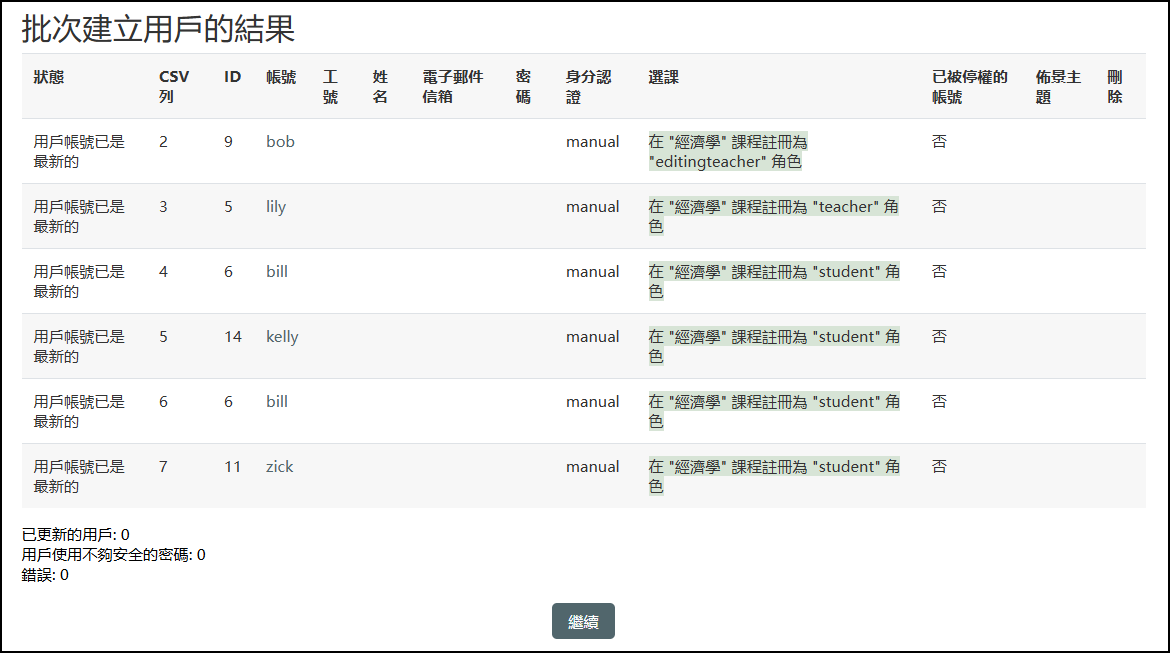
Reference screen after a successful upload:
The status will display the upload result as either successful or failed.
Related instructional videos for this feature